Early access · open source · iPhone
Advanced wallet journeys
Turn on Advanced mode for explicit vault policies, signing exchanges, fee replacement, and peer controls.
Wallet reads use Bitcoin peers and compact block filters. Keys are stored in this device’s Keychain; secret exports are explicit. No address-query service supplies the wallet’s balance.
Descriptors, vaults, and approvals
Create a Taproot vault from public signer keys and coordinate approvals using PSBT text. Inspect the policy and reviewed transaction explicitly.
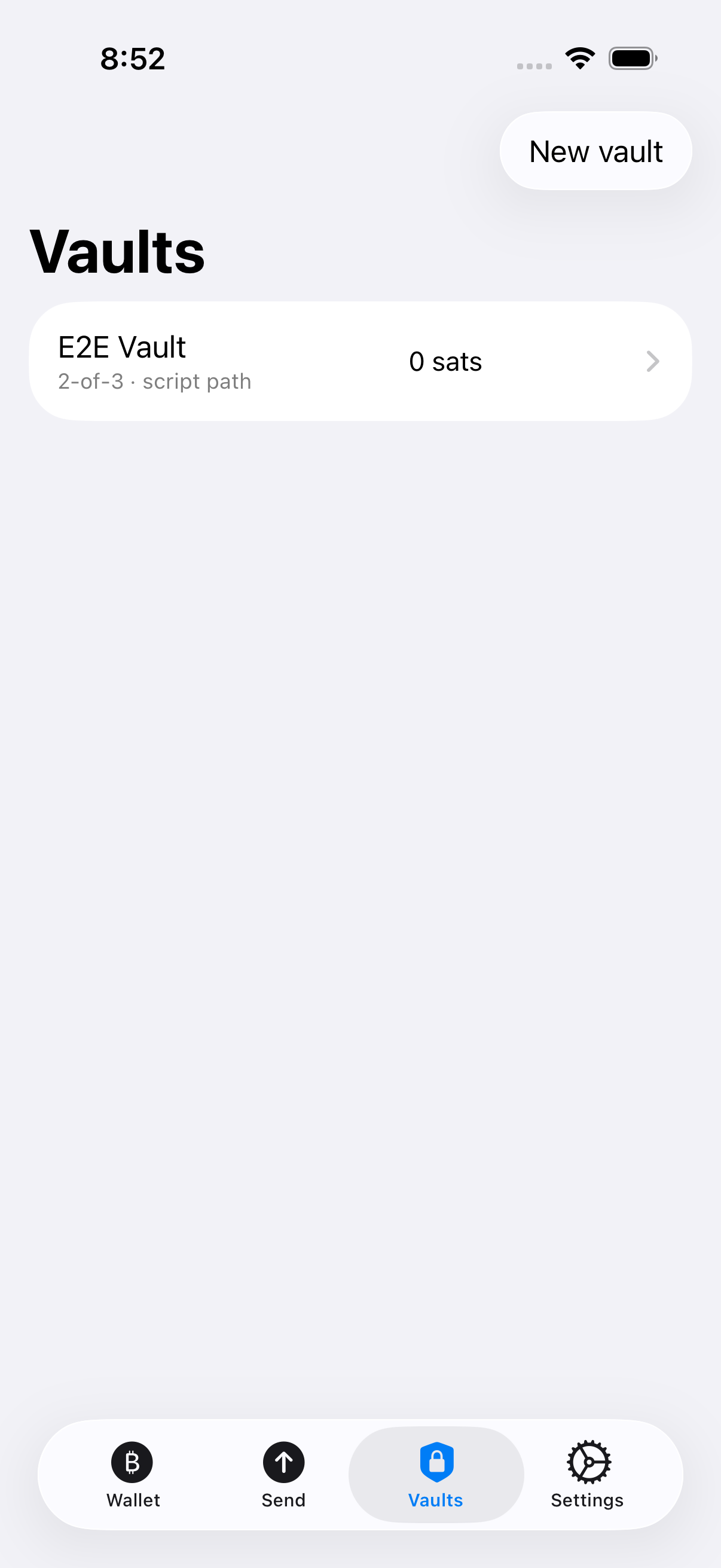
Know before using it: Bitcoin Core interoperability is separately tested for script-path vaults. MuSig2 exchanges with Core have a documented round-two compatibility gap; do not assume every external signer can complete them.
How this journey is checked
- Create a vault through the advanced form.
- Import an approval request, review it, and contribute the device’s signature.
App scenarios: test04VaultCreate, test07ApproveRequest . Inspect test runs and their results.
Use a group as a vault cosigner
Combine a group cosigner with a threshold vault, then complete the required approvals and broadcast the resulting spend.
Know before using it: This requires the full group signing ceremony and its other vault approvals. Losing required participants can prevent spending.
How this journey is checked
- Build and fund a vault containing the group’s synthetic key.
- Complete its signing rounds and confirm the final spend through the app.
App scenarios: test13GroupCosignerVault . Inspect test runs and their results.
Replace a pending payment with a higher fee
Review a replacement’s fee and change before authorizing it. The original remains visible as replaced.
How this journey is checked
- Send a payment and leave it in the node’s mempool.
- Use Bump fee, review and sign the replacement, then confirm it and inspect the app’s history.
App scenarios: test15ReviewAndReplacePendingPayment . Inspect test runs and their results.
Inspect peers and control external disclosure
Inspect connected peers and network settings. Explorer links open only after an explicit warning about the information sent to that website.
Know before using it: Explorer websites are not wallet backends. A single or coordinated set of peers can still withhold information; multiple connections are not proof of independent operators.
How this journey is checked
- Open the real peer settings.
- Open an explorer warning and cancel before leaving the app.
App scenarios: test05SettingsPeersAndExplorerWarning . Inspect test runs and their results.
What the evidence means
Each journey above links to tests that drive the actual app against a disposable signet node. Images show test wallets. A screenshot or a test’s presence in the source is not a passing result: inspect the linked run for its revision, failures, and result bundle.
Cryptographic vectors, hostile-peer checks, storage failures, and Bitcoin Core comparisons support these journeys. They establish properties that a successful screen flow alone cannot show. Explore the testing suites and their artifacts, or read the testing and feature policy.
Simulator results do not establish hardware security, battery life, or independent security review. Those release requirements and future features live on the separate roadmap.
Local debugging tools
Use winnow-debug for environment checks, simulator diagnostics, release-data generation, and network soak runs. These are operator tools, with their own command and protocol checks.